
LastSafe

Fast backup that actually understans how you work

Backs up 1 millionfiles in 100 secondsand lets you automatically save every change so you can always go back.

1,000,000
Files
Full backup in 100 seconds (20 GB)
35,000
Files
Incremental backup in 25 Seconds
1,500,000
Files
3 backups running at the same time - 170 GB in under 11 Minutes

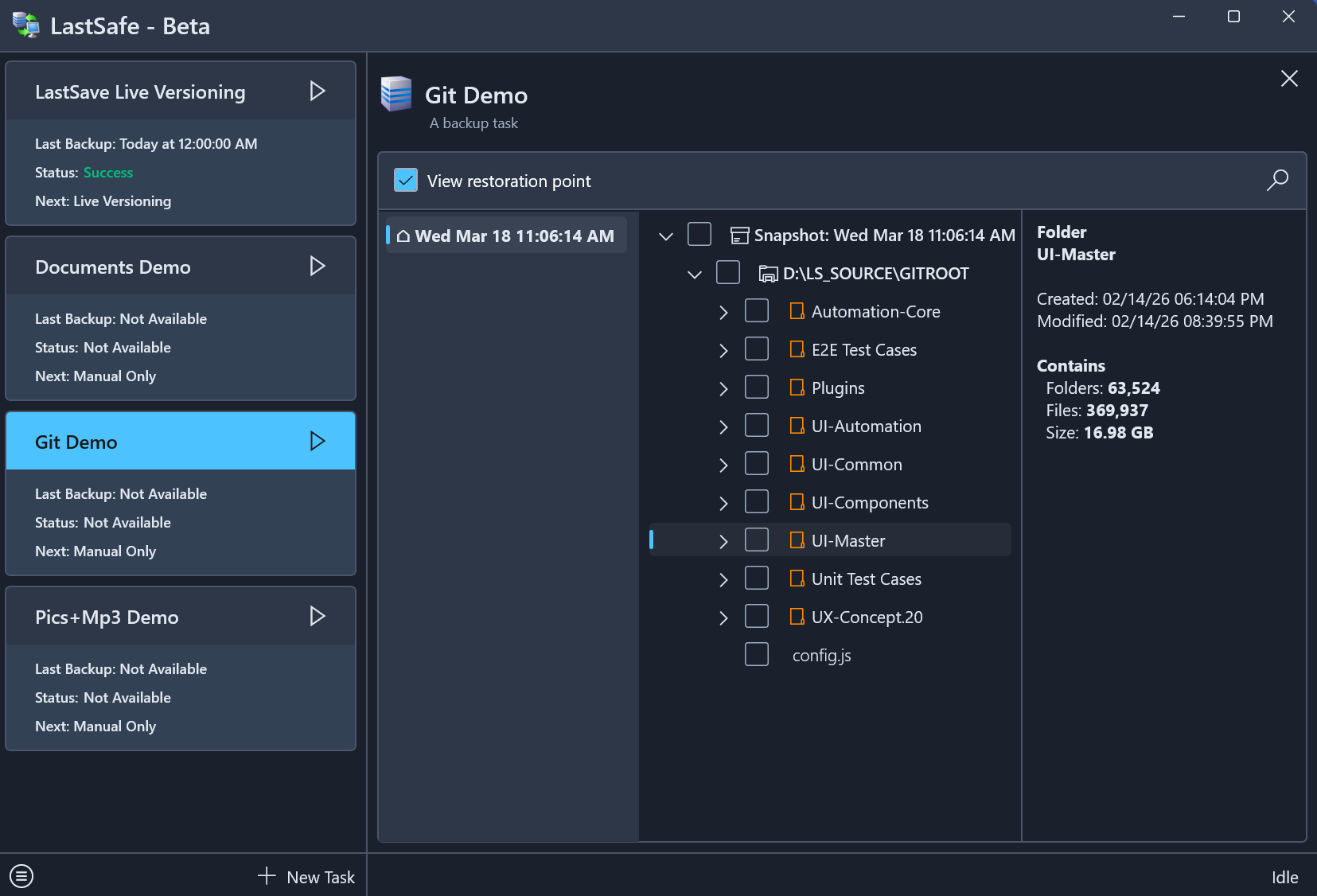
See LastSafe in Action (1-minute demo)
Video thumbnail

Watch all the videos below

Download Beta Now See Full Benchmarks

Why People Choose LastSafe

Lightning Fast

1 Million files massive repository full backup in 1m 45s. Incrementals in seconds. No more waiting.

Lightning Fast - Details

Full backup of Git root (1M files, 20 GB): 1m 45s
Incremental (35K changed files, 585 MB): 24 s
Unchanged incremental: 9 s
Restore selected (35K files): 11 s
10–20× faster than leading competitors on high-file-count workloads.

🔄

True Multitasking

Run multiple backups or restores at once - UI stays smooth.

True Multitasking - Details

3 concurrent full backups (Git + Media + Daily): 10m 42s wall-clock
- Git: 10m 42s
- Pics + MP3: 7m 04s
- Documents: 3m 55s
UI: Fully responsive - no freezes or lag.
Competitors often queue tasks or freeze UI under similar load.

📸

Live Versioning

Automatic snapshots on every file change – protect your work between saves.

Live Versioning - Details

Creates incremental snapshot on every change - no user interruption.
Protects your work between saves - ideal for developers, designers, writers, and creators.
While tools like Photoshop or Word limit you with undo history, LastSafe captures every change as a restorable snapshot - true versioning with full history preserved.
Unlike basic sync in other tools - true versioning with history preserved.

📊

Flexible and Efficient

Incremental, Full, Mirror, Live modes. Smart scheduling with wake-from-sleep.

Flexible and Efficient - Details

4 backup methods: Full, Incremental, Live Versioning, Mirror.
Full backup interval (days) & copies to keep.
Multipart backup files (e.g., 1 GB chunks).
Zstandard compression (mode 1).
Wake PC from sleep for scheduled tasks.
Schedule on your terms - efficient and unobtrusive.

🛠

VSS Support + Continue on Errors

Backs up open/locked files reliably and skips problems without failing the job.

VSS + Continue on Errors - Details

Volume Shadow Copy Service (VSS) for consistent backups of in-use files.
Continue on errors - skips locked/inaccessible files without stopping task.
Perfect for busy machines with open documents, databases or code editors.

🔒

Encryption + Compression

AES-256 encryption and Zstandard compression - secure and space-efficient.

Encryption + Compression - Details

AES-256 encryption - the gold standard trusted by governments and security experts
Zstandard (zstd) compression for better ratios and speed.
Keep your backups private and smaller without sacrificing performance.

Real Benchmarks - LastSafe vs Competition

Benchmarks are subjective and may vary on different hardware and conditions. Results are for relative performance comparison only.

Workload / Action LastSafe Acronis EaseUS AOMEI
Git Root (1M files, 20 GB) - Full Backup 105 s 1984 s 121 s 875 s
Git Root - Incremental - Changed Data (35K files, 585 MB) 24 s 1441 s 55 s 153 s
Git Root - Incremental - No Changes 9 s 1165 s 47 s 118 s
Git Root - Open/explore Backup Instant 123 s (unresponsive) 3-5 s Instant
Git Root - Search for file 1-2 s Unstable (Few secs to 6 min) Few secs to a min Mounts as virtual drive - search relies on Explorer (or other tools) capabilities
Git Root - Restore Full 185 s 1766 s 233 s 372 s
Git Root - Restore Selected (35K files, 585 MB) 11 s 228 s 16 s 16 s
Documents (6K files, 38 GB) - Full Backup 110 s 363 s 100 s 339 s
Documents - Incremental - Changed Data (100 files, ~500 MB) 3 s 154 s 17 s 25 s
Pics + MP3 (21K files, 110 GB) - Full Backup 301 s 1066 s 295 s 1029 s
Pics + MP3 - Incremental - Changed Data (420 files, 4.5 GB) 12 s 58 s 27 s 57 s

Watch Full End-to-End Demos

For those who want to see complete workflows.

True Multitasking
Parallel Backups & Restores

Video thumbnail

100 GB Media Library
Pictures & Music Backup

Video thumbnail

Live Versioning
Capture Every Change

Video thumbnail

Massive File Repository
Over 1 Million Files & Folders

Video thumbnail

Incremental Backup
35K New Files in Massive Repository

Video thumbnail

Search in 1 Million Files
Instant Results

Video thumbnail

Download Beta Now

This is a pre-release beta. Use on non-critical data.
Your feedback shapes v1.0.

Download Latest Beta

How to Install

Installation is simple and takes less than a minute:

Note: You may need to allow script execution the first time. See Installation Guide for full instructions.

GitHub Repository - Report Bugs